

Stock avatars
| Avatar | Avatar ID | Avatar |
|---|---|---|
| Cathy | 17de03e4 |  |
| Chloe | 45e3f732 |  |
| Clara | 7e95996 | 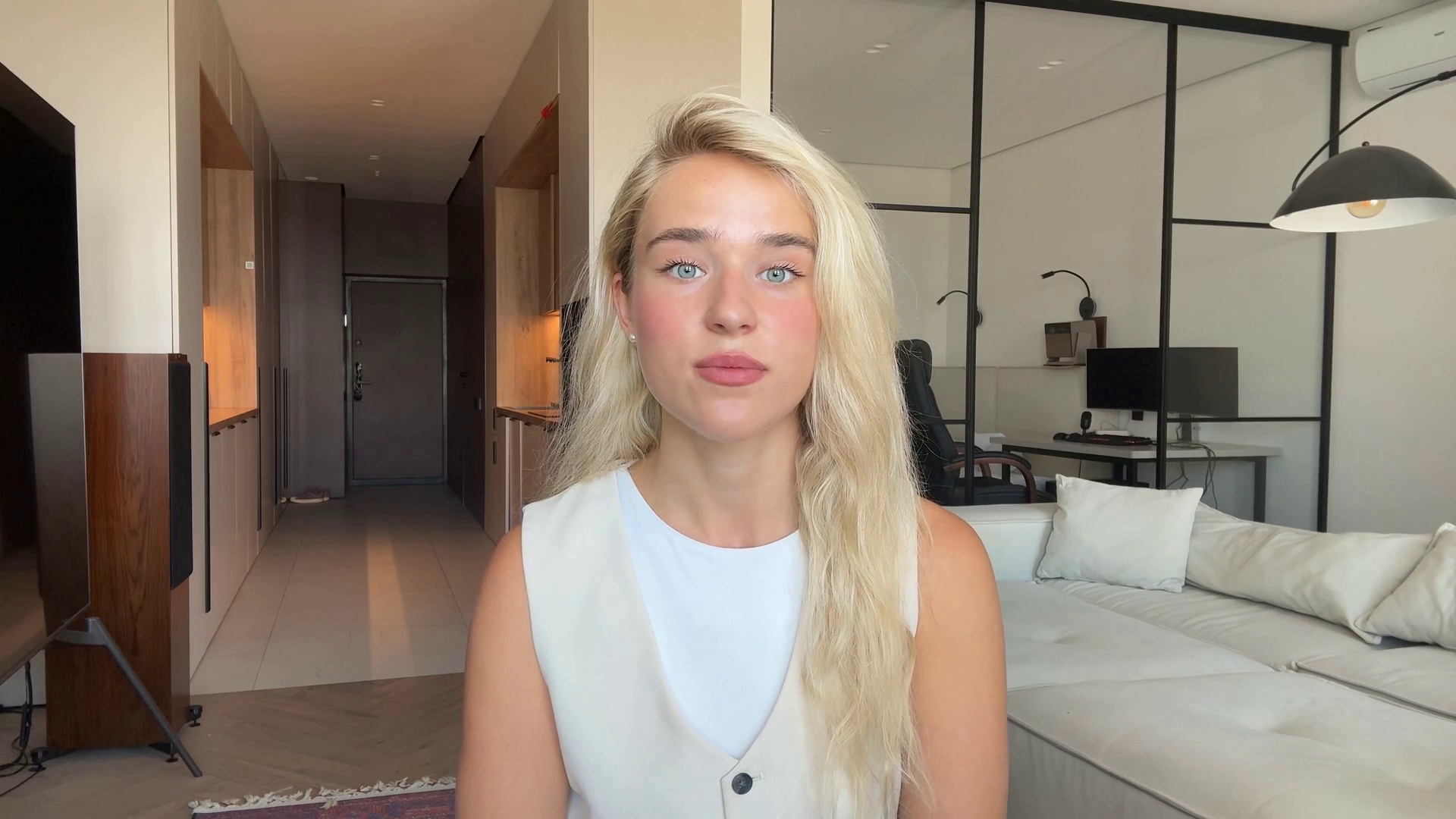 |
| Jennifer | 0de70332 | 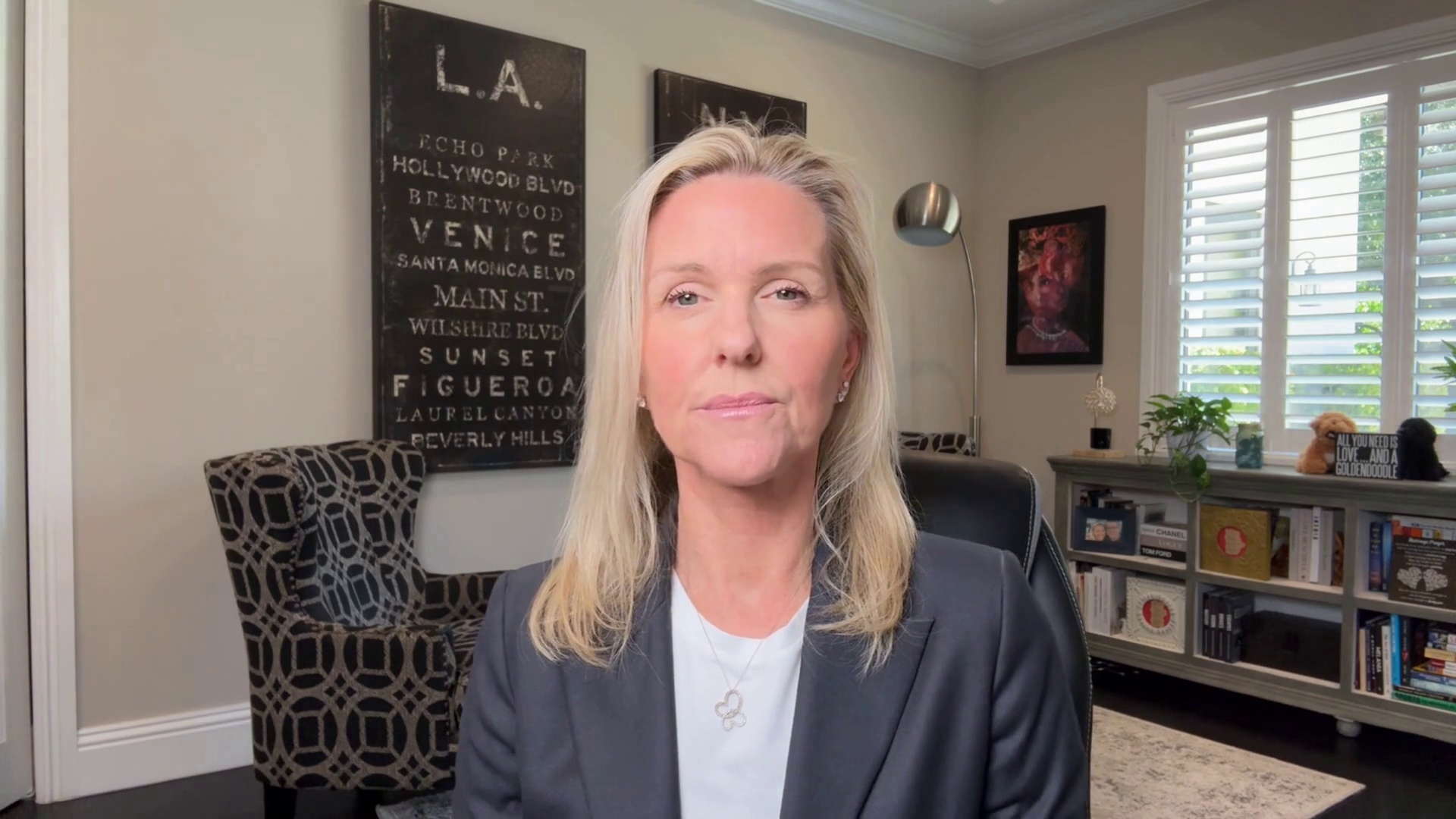 |
| Jessica | 21ef04ad | 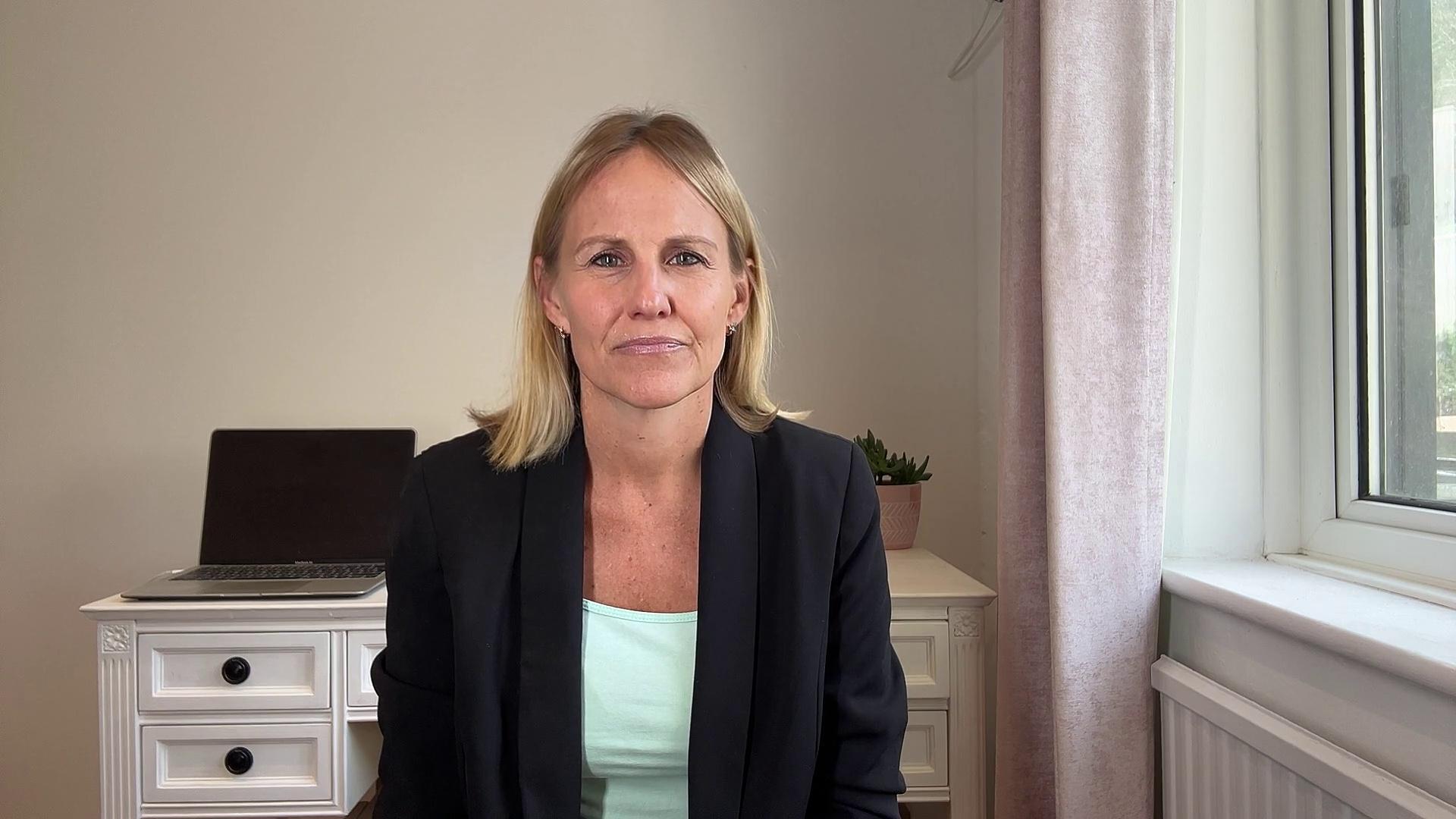 |
| Lisa | 665a1170 | 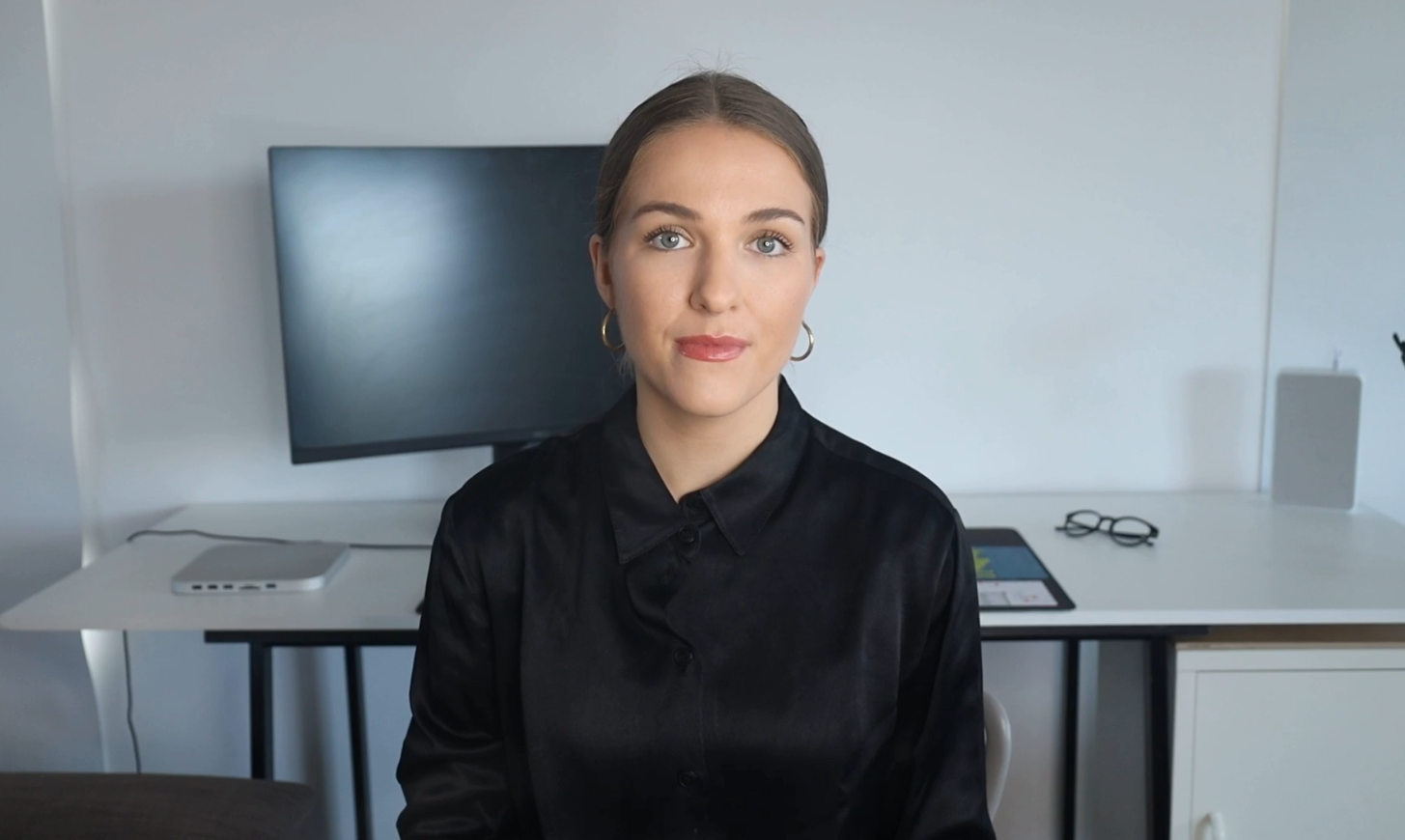 |
| Lucy | c5b563de | 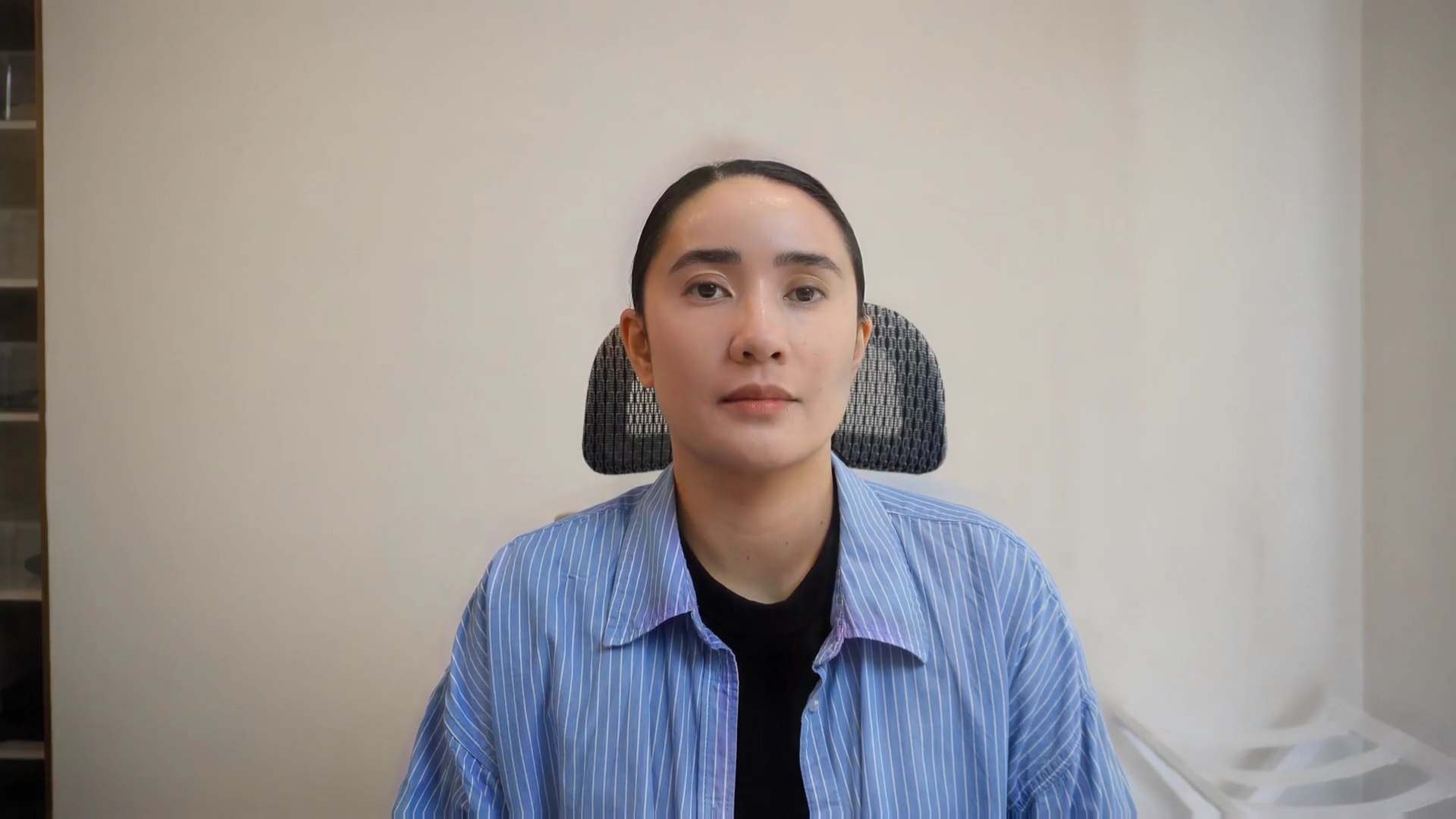 |
| Misha | 05b401f3 |  |
| Priya | 1e4ea106 |  |
| Sofia | 1928040f | 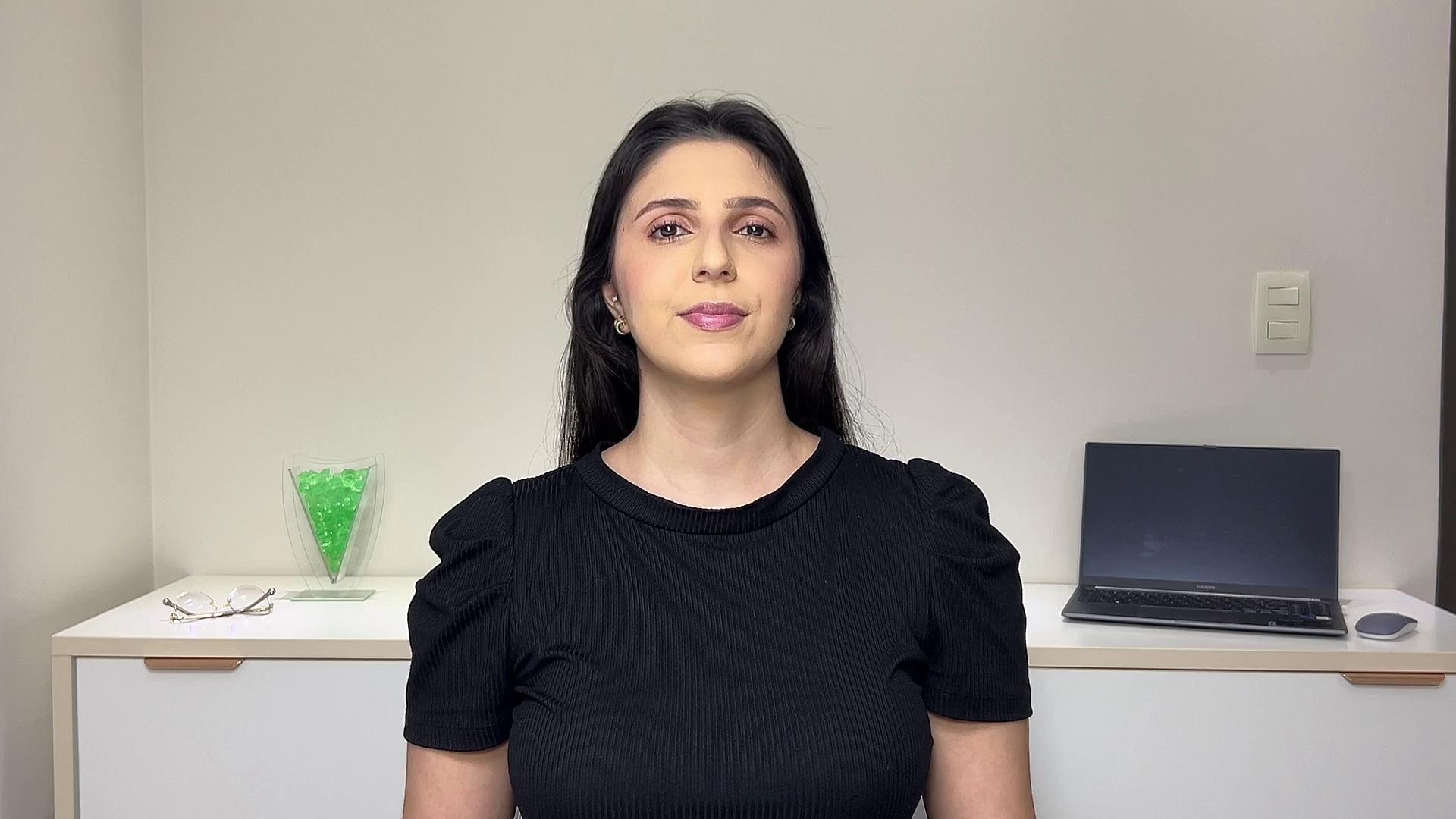 |
| Akbar | 18c4043e |  |
| Alex | 80b9095f |  |
| Aman | 5daa73d5 |  |
| Jason | 05a001fc |  |
| Johnny | 1fa504ff |  |
| Mike | 03ae0187 |  |
| Sameer | 60a0926a |  |
The avatar gallery is also available in your Clara dashboard with copyable avatar IDs. Selecting an avatar there assigns it to the agent automatically.
Using a stock avatar
- In the dashboard, open the agent’s settings.
- In the Avatar section, pick an avatar from the gallery.
- Save. Clara appears with that avatar on the next conversation.